Devlog #6 - Some gameplay interactions
12/05/2025
The week, I focused on implementing some gameplay interactions. The main think I focused on was the interaction with the environment.
Pillar interaction
The 1st thing I did was to implement a system that allows the player knock over a pillar in order to create a bridge to cross a gap.
Knock over a pillar to create a bridge
In order to make it easier to use in real game scene, the prefab for the pillar has a target postion and rotation that is visible in the editor but not in the game.
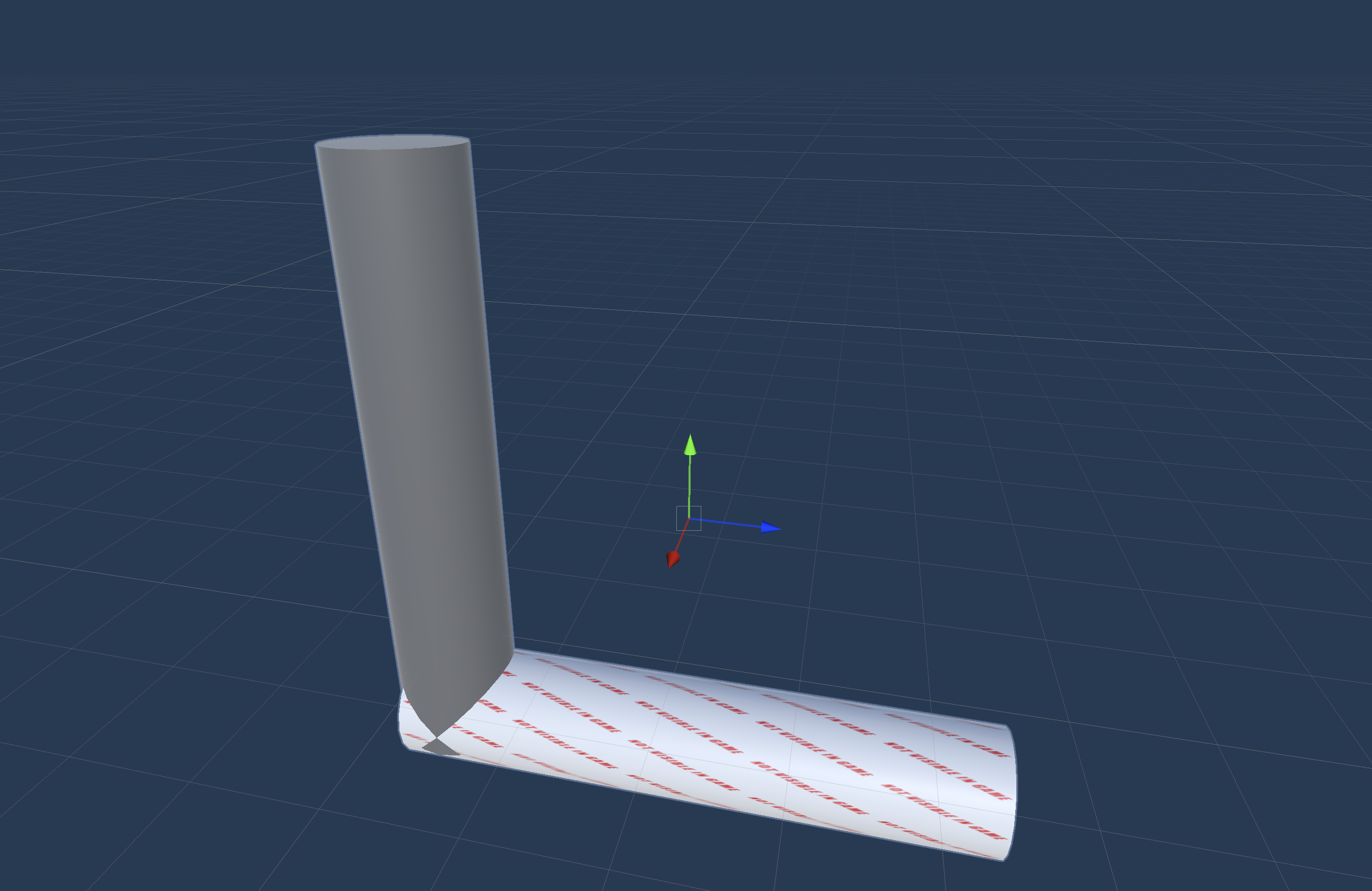 The pillar prefab with the target position and rotation
This allows me to easily place the pillar in the scene and make sure that it will fall in the right direction. The fall part is done using a simple interpolation between the current position and the target position and rotation with a small acceleration to make it look more natural (we need to tune the values a bit more to make it look better).
Something that I also added is a haptic feedback when the pillar is falling. I've used an other system that the other times and I think that it is worth mentioning. For all the other haptic feedbacks until now, I've used HapticImpulsePlayer.SendHapticImpulse form UnityEngine.XR.Interaction.Toolkit.Inputs.Haptics this is good, easy to use and works with a lot of devices. But it is not very flexible and doesn't allow to play a haptic pattern. So I decided to use the meta Oculus.Haptics.HapticSource[1] which allows to play a HapticClip. This is really easy to use but it is not compatible with all devices. To make the haptic clip, I used Meta Haptics Studio[2] which create a haptic clip from an audio file. I used a sound of a falling object and it works really well.
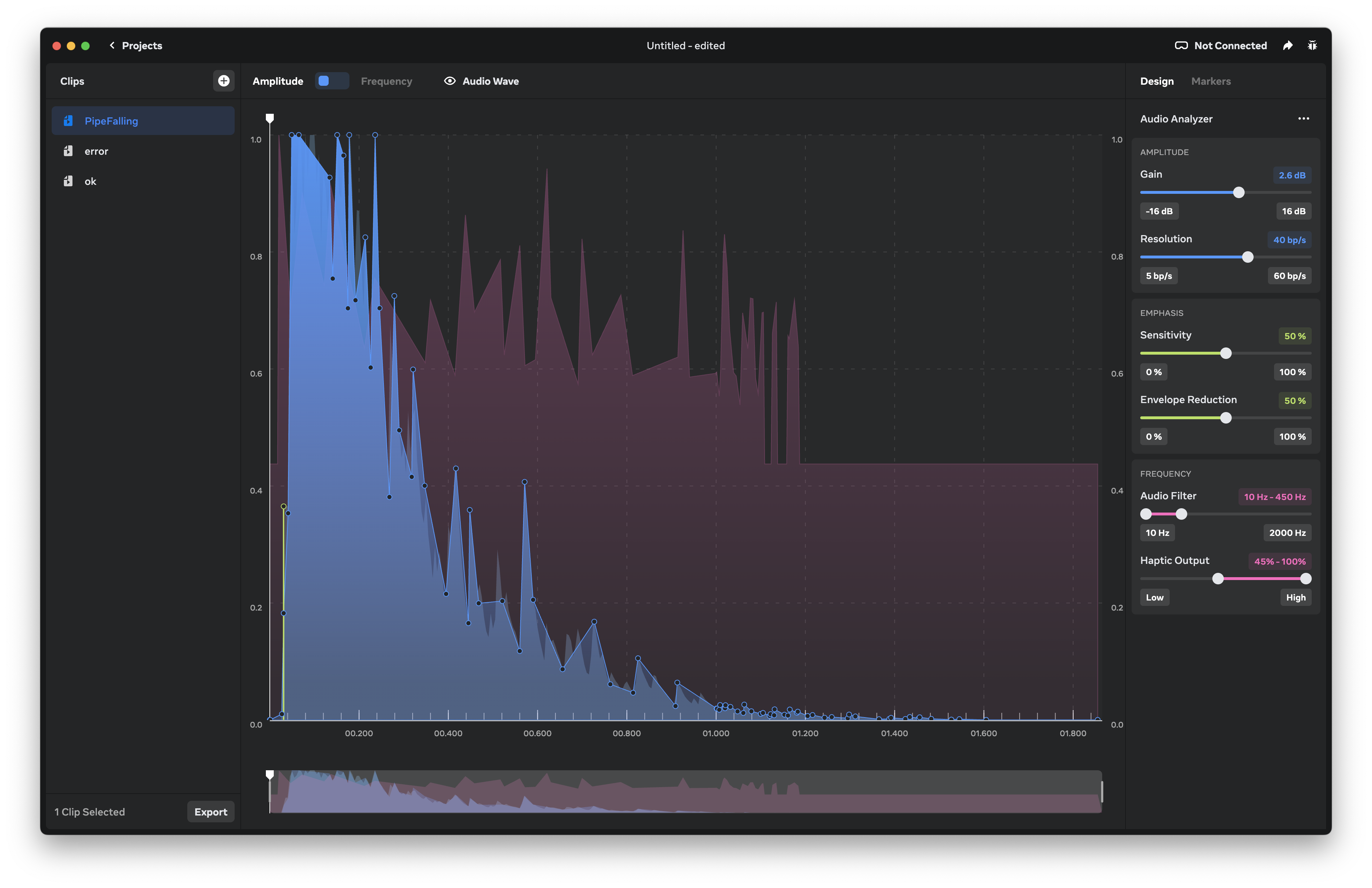 Meta Haptics Studio
With this software, you can create a haptic clip from an audio file and test them on the controller directly, and then export the clip as a .haptic file and use it in the project with a HapticClipPlayer component.
Something that we need to figure out is how to make it work on all devices, this is not something we really need to do now as we target only Meta Quest devices for now, but it is something that we need to keep in mind for the future.
Map rotation
An other thing that I worked was the map change. At some point in the game, segemnt of the map will rearange to create a new path for the player.
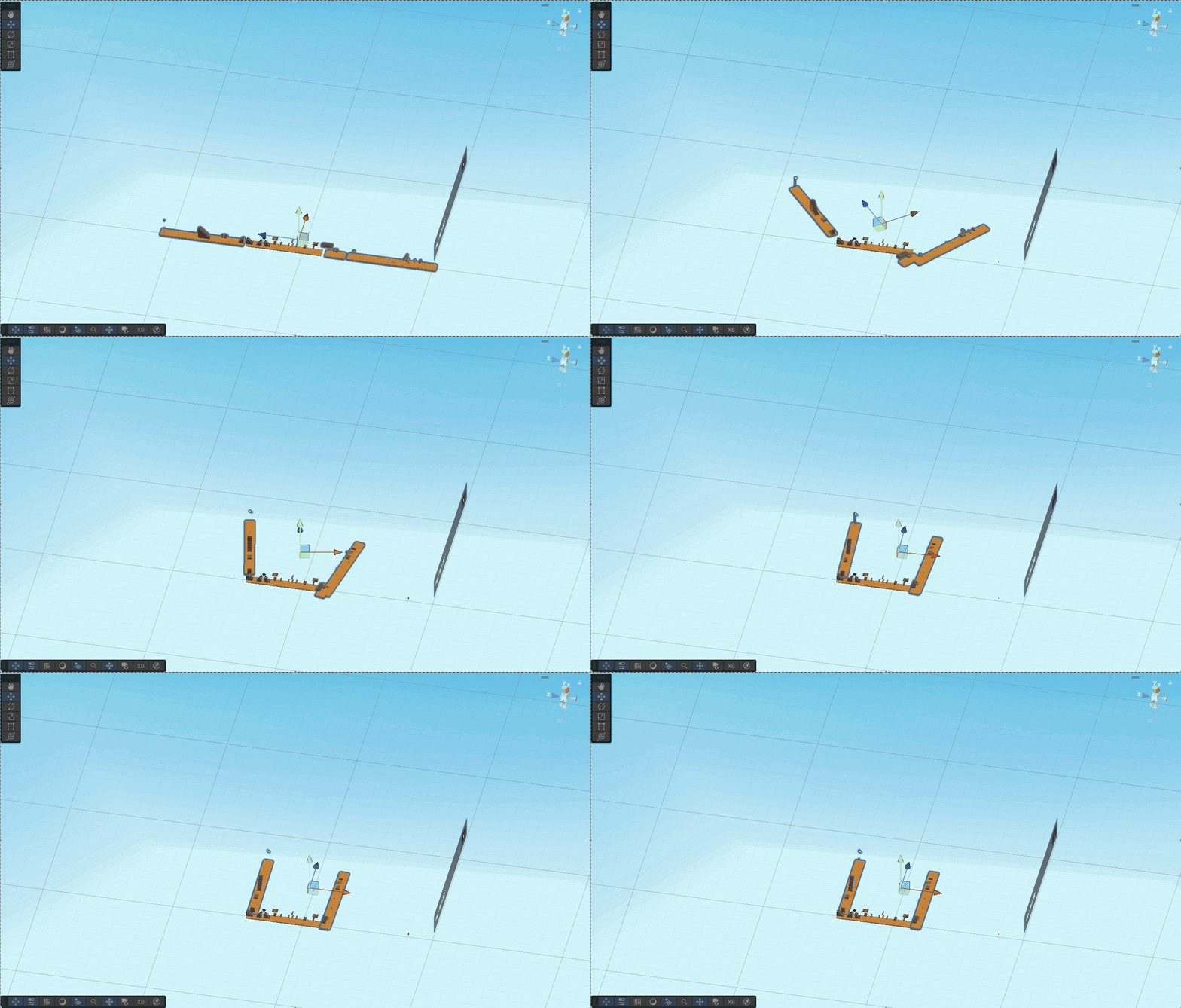 Map rotation view in the editor form above
This is in the same way as the pillar, we have a target position and rotation and we interpolate between the current position and the target position and rotation. The only difference is that we use a Vector3.lerp for the position and a Quaternion.Slerp for the rotation. This make a linear interpolation for the position and a spherical linear interpolation for the rotation. And in game it looks like this:
Map rotation in game
This is an easy way to create a new path for the player and make the level more dynamic and a bit longer without adding a lot of new content. With this system, we need to make sure that the player doesn't fall form the map when the map is changing and add clearer feedback to the player when the map is changing (with sound, visual and haptic feedback).
What to do next
We still have a lot of things to do, before the deadline, here is a list of things that we need to do:
- Add more gameplay interactions (e.g. the player can break a wall to create a new path)
- Add more sounds effects
- Add more visual effects
- Add more haptic feedback
- Add more polish to the game (e.g. add a loading screen, add a main menu, etc.)
- Create more interesting behavior for the enemies
- Add more "puzzles" to the game
[1] Documention of the unity SDK for haptics: https://developers.meta.com/horizon/documentation/unity/unity-haptics-sdk/
[2] Documention for the Meta Haptics Studio: https://developers.meta.com/horizon/blog/haptics-sdk-studio-meta-quest-vr/